
Import User Feature
For customers using Entra ID or Library Login, you can now import users in advance of their first use. For example, you might want to import a staff member and assign them elevated permissions before they log in for the first time.
*Please note there is no need to import users prior to use they will be added when they login to a computer or the web interface.
How to Import a User from EntraID or Library System
- Navigate to the Admin Panel
- Go to Admin → Users.
- Click Import User.

Choose the User Directory
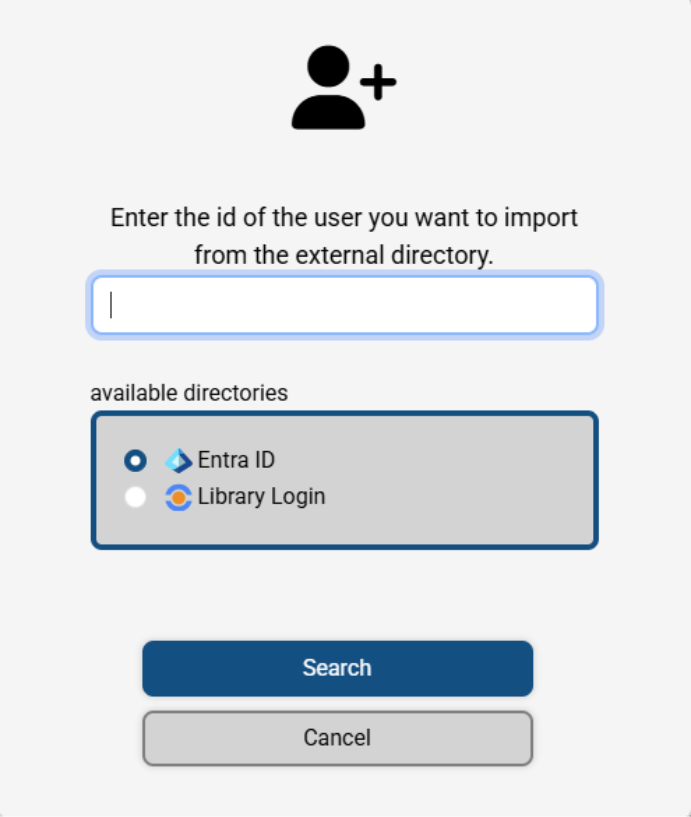
Select your user directory.
Depending on your configuration, you may see both EntraID and Library options or only one.
4. Enter the User Identifier
- For EntraID: Enter the user’s UPN (User Principal Name).
- For Library Login: Enter the user’s barcode (typically used as the login ID).
5. Search and Import