
How to use Client Wait Times
Client wait times let you define how long MyPC Cloud keeps a booking reserved after a computer shuts down or restarts.
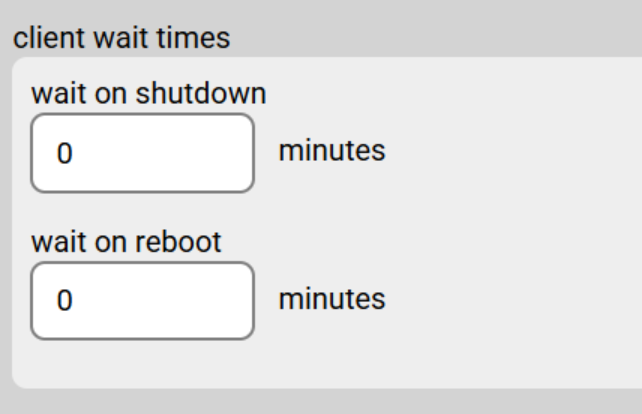
You can configure two options in Admin → Organisation → Advanced Options → Client Wait Times:
- Wait on Shutdown
Specifies the duration MyPC Cloud will keep the computer reserved after a shutdown. - Wait on Reboot
Specifies how long the computer remains reserved after a restart/reboot.
Important Notes
- If wait on shutdown is set to 0 minutes (meaning the booking is cleared instantly), then wait on reboot will not apply and should also be set to 0.
- wait on shutdown requires MyPC Client version 1.29 or later to be installed.
- All MyPC Client PCs must have Fast Startup disabled. This is automatically handled during MyPC client 1.29 installation.
- These values begin counting down as soon as the Shutdown or Restart event is initiated by the user or system.