
What is Data Anonymisation
The Data Anonymisation feature allows your organisation to automatically anonymise past booking data through a scheduled nightly task.
How It Works
- When enabled, the system runs a task every night at approximately midnight.
- This task deallocates past bookings from individual users and reassigns them to an “Anonymous User”, ensuring personal details are removed.
How to Enable
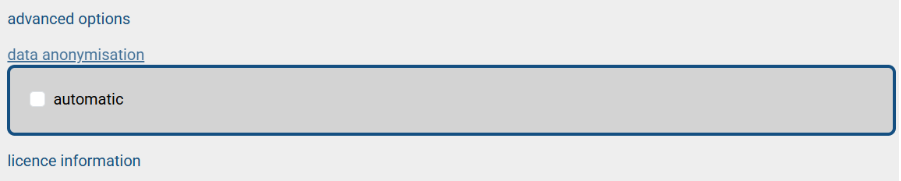
- Navigate to Admin → Organisation → Data Anonymisation.
- Enable the Automatic option.
Important Notes
- This process is irreversible. Once configured and run, all past booking data will be anonymised permanently.
- If you disable this option later, booking data will once again be associated with users for the period it was disabled.
- Re-enabling the option will anonymise all data again.