
How to book a computer as a user
A user can log in to MyPC Cloud and create their own bookings (if allowed by administrators). After logging in to MyPC Cloud, they are presented with the booking grid
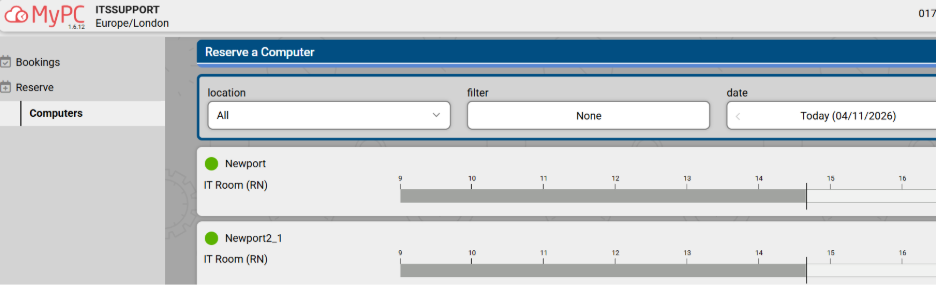
To create a booking, the user clicks in an available (white) slot for the PC they wish to book
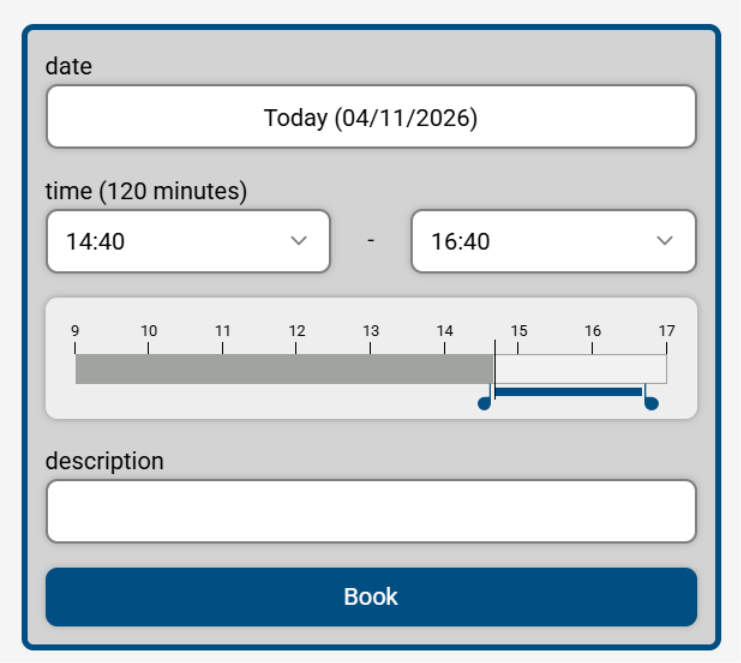
The start time shown will reflect the time they clicked on, and the end time will reflect the maximum time allowed for the booking. Both start and end times can be edited

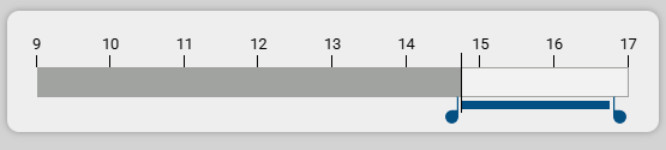
Alternatively, the sliders can be moved
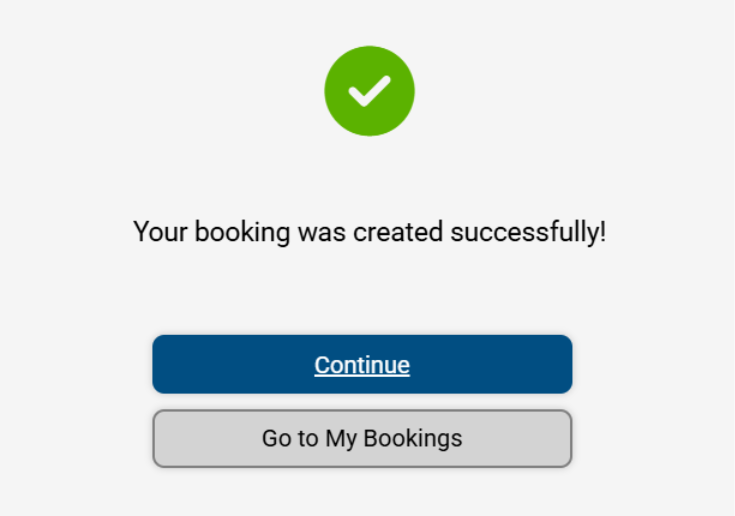
A description can be added if necessary. When complete, click on Book to confirm the booking
Managing bookings
A user can look at their own bookings by clicking on My Bookings
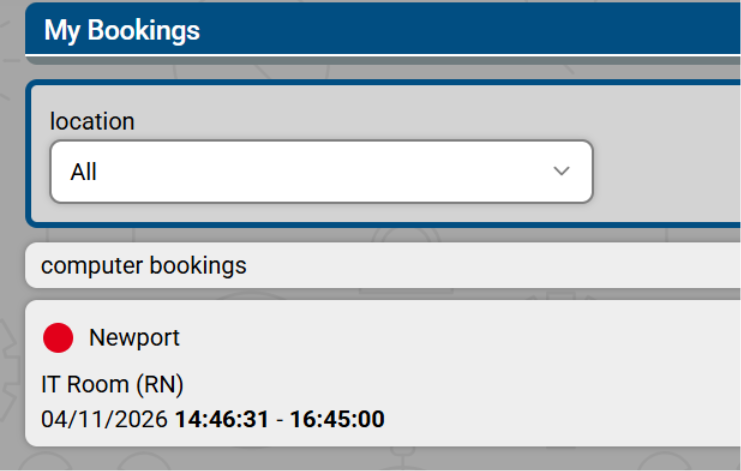
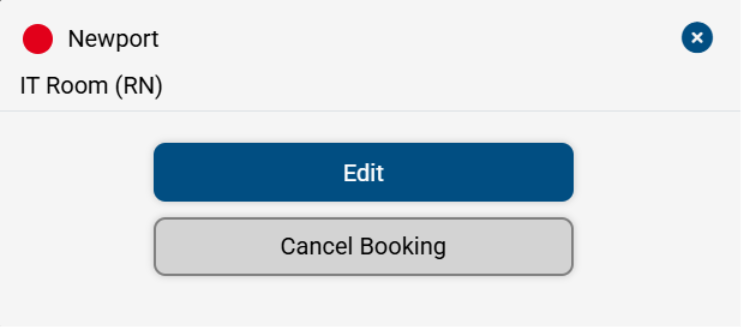
The booking can be edited by selecting the booking and clicking on Edit Booking
The booking can be edited in using the same options used to create the booking
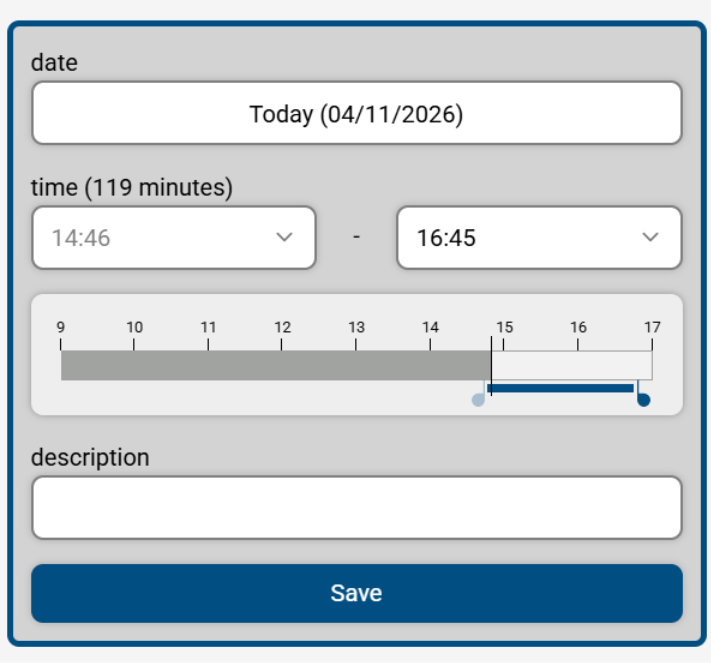
Click Save to save the updated booking